
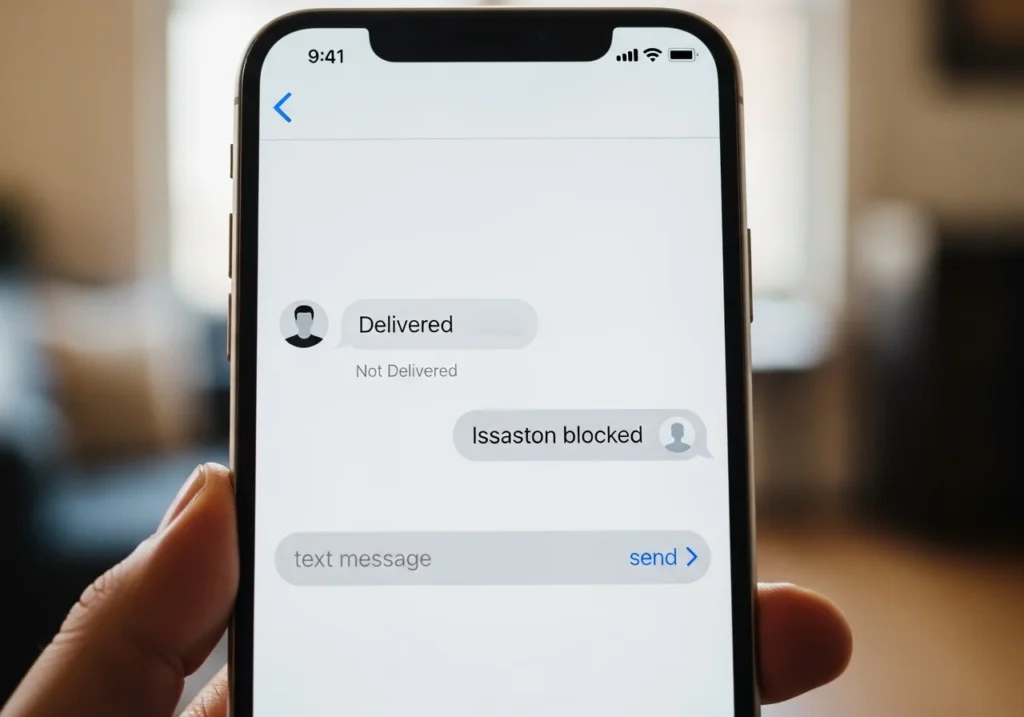
Finding out if someone blocked you on iMessage isn’t always straightforward. Unlike other messaging apps, iMessage doesn’t send a clear notification if someone blocks you. However, there are ways to gather clues while keeping in mind that none are 100% foolproof. This guide will walk you through the signs, step-by-step methods, and caveats to help you figure out if you’ve been blocked.
Quick Signs That Someone May Have Blocked You
Before testing methods, look for these common indicators:
Missing “Delivered” or “Read” Receipts
- Normally, iMessage shows “Delivered” or “Read” under your message.
- If these disappear suddenly and consistently, it could be a block or the recipient turned off read receipts.
Green vs Blue Text Bubbles
- iMessages appear blue; SMS texts appear green.
- If your message changes from blue to green unexpectedly, it could mean iMessage isn’t reaching them—but network issues or iMessage settings may also cause this.
Calls Going Straight to Voicemail
- Calls from a blocked number usually go directly to voicemail.
- Keep in mind: Do Not Disturb, network issues, or phone off can also redirect calls.
FaceTime Calls Failing
- FaceTime calls may fail or show a persistent “connecting…” message.
- This is another hint but not a guarantee of a block.
Step-by-Step Methods to Check if You’re Blocked
Method 1 Check iMessage Delivery Status
- Open Messages and select the conversation.
- Send a message and look for “Delivered” or “Read” below it.
- If these never appear over multiple attempts, it might indicate a block.
Caveat: Network issues, iMessage server outages, or the recipient disabling iMessage can produce the same result.
Method 2 Observe Text Bubble Colors
- Compose a new message to the contact.
- Check if the bubble is blue (iMessage) or green (SMS).
- A sudden green bubble may hint that iMessage isn’t going through.
Caveat: Some users prefer sending SMS by default, so green bubbles alone aren’t conclusive.
Method 3 Call the Contact
- Open the Phone app and dial the contact.
- Listen for ringing or immediate voicemail.
- If calls go straight to voicemail repeatedly, a block is possible.
Caveat: Airplane mode, Do Not Disturb, or network issues can mimic this behavior.
Method 4 Use FaceTime
- Open FaceTime and attempt a video or audio call.
- If the call never connects or fails quickly, it may indicate a block.
Caveat: FaceTime requires a working internet connection; failure doesn’t always mean blocking.
Method 5 Send a Message From Another Number
- Use a different phone or number to send the same message.
- If the message goes through, it suggests your main number may have been blocked.
Caveat: Respect privacy avoid harassing someone to confirm a block.
Why iMessage Might Not Be Delivered (Not Always a Block)
Network Issues or iMessage Server Problems
- Temporary server outages can delay or prevent delivery.
In some cases, managing synced data can help, and learning how to manage iCloud storage smarter ensures messages and device data sync properly without delivery issues.
Airplane Mode or Device Turned Off
- Messages won’t deliver until the phone is back online.
Do Not Disturb or Focus Settings
- DND silences notifications, giving the appearance of a block.
Real-World Scenarios and Examples
- Case 1: Messages stuck without “Delivered,” but the person was traveling abroad network issues were the cause.
- Case 2: Text bubbles turned green, and calls failed later confirmed as a block.
- Case 3: FaceTime calls failed multiple times, but the recipient had an outdated iOS version no block occurred.
Tips for Managing iMessage Communication
- Verify network and iMessage settings: Ensure Wi-Fi or mobile data is active.
- Cross-check with alternate numbers or apps: Use another iPhone, email, or messaging app.
- Keep iOS updated: Updates fix bugs that may affect iMessage.
- Respect privacy and ethical communication: Don’t spam or harass someone to test a block.
If privacy is your concern, you can also learn how to Stop Sharing Location Without Notifying iMessage to control what others see without triggering alerts.
Summary: While no single method guarantees confirmation, combining delivery status, call behavior, and FaceTime attempts can provide strong hints. Always consider technical issues and respect the other person’s privacy.
FAQs
Can you tell if someone blocked you without them knowing?
No method is 100% reliable. Use clues cautiously, respecting privacy.
How to unblock someone on iMessage
Open Settings > Messages > Blocked Contacts.
Tap Edit, select the contact, and Unblock.
Does blocking affect FaceTime?
Yes. Calls from blocked contacts won’t connect, but your outgoing messages also won’t deliver.
How to avoid confusing network issues with a block
Verify Wi-Fi or mobile data is working.
Test with another device or number.
Check Apple System Status for outages.