
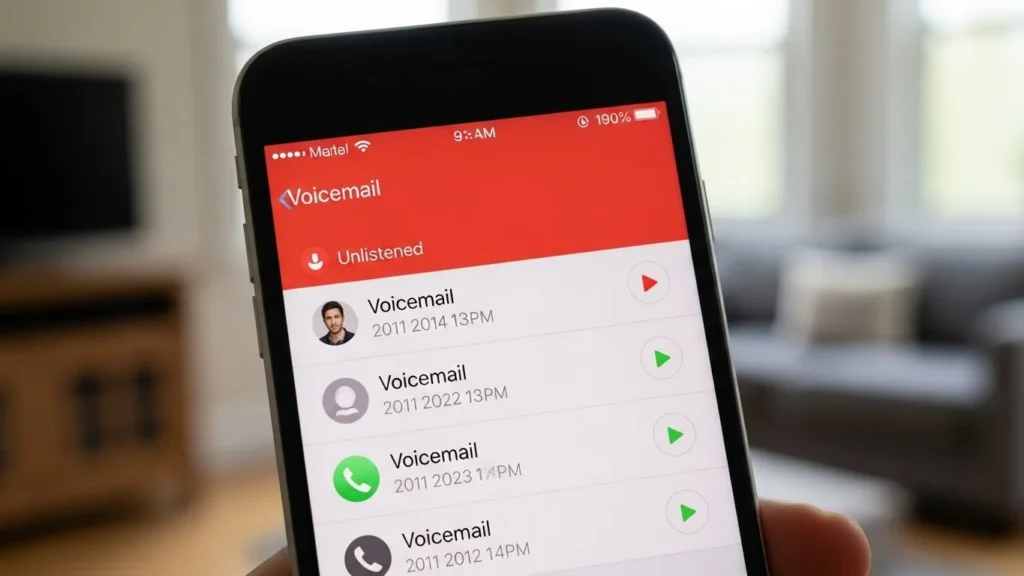
Blocked voicemails on iPhone can be confusing. You might think a blocked number can’t leave messages, but sometimes they do just in ways that aren’t immediately visible. In this guide, we’ll explain what blocked voicemails are, why you might not see them, and how to retrieve them on your iPhone.
What Are Blocked Voicemails on iPhone?
When you block a contact on your iPhone, calls, messages, and FaceTime attempts from that number are restricted. Here’s what you should know:
- Call blocking vs. contact blocking: Blocking a number prevents calls and messages from alerting you, but it doesn’t always stop the caller from leaving a voicemail.
- Voicemails from blocked numbers: Depending on your carrier, blocked contacts can still leave a voicemail, but these messages may be hidden or routed differently.
- Hidden or silent: iPhone often silences voicemails from blocked numbers, so you won’t see them in your main voicemail list.
Why Voicemails from Blocked Numbers Might Not Appear
There are several reasons blocked voicemails may not show up:
- iPhone voicemail settings: Your default voicemail app may hide messages from blocked contacts.
- Carrier restrictions: Some carriers prevent blocked numbers from leaving messages entirely, while others store them separately.
- iOS version differences: Newer iOS versions may handle blocked voicemails differently than older versions.
- Silent calls: Blocked calls often go directly to voicemail without notifying you, making the messages seem “missing.”
How to See Blocked Voicemails on iPhone
Here’s how to check if a blocked number left a voicemail:
- Open the Phone app and tap Voicemail.
- Scroll to the bottom to check if a “Blocked Messages” section appears.
- Access blocked numbers list:
- Go to Settings → Phone → Blocked Contacts.
- Find the number you want to check.
- Retrieve voicemail:
- If your iPhone doesn’t show the blocked voicemail, try calling your carrier’s voicemail number.
- Some carriers store blocked messages separately; check their portal or app.
Tip: Carrier voicemail portals often allow you to listen to hidden or blocked messages even if iOS doesn’t display them.
How to Manage Blocked Numbers on iPhone
You can control blocked contacts and their voicemail access:
- View blocked contacts: Settings → Phone → Blocked Contacts
- Unblock a number: Tap Edit → Remove next to the contact.
- Add/remove numbers: Use Add New… to block a number or remove to unblock.
Unblocking temporarily can help you retrieve missed voicemails.
Using Carrier Features to Access Blocked Voicemails
Carriers handle blocked messages differently. If iPhone doesn’t show them:
- Check your carrier’s voicemail portal: Many carriers provide a web or app interface.
- Contact carrier support: Ask if blocked numbers’ voicemails can be retrieved.
- Carrier-specific differences: For example:
- Verizon may label them as “Blocked Messages.”
- AT&T may hide them from the iPhone entirely but store them online.
Troubleshooting Blocked Voicemail Issues
If you still can’t see blocked voicemails:
- Update iOS: Ensure your iPhone runs the latest iOS version.
- Restart iPhone: A simple restart can refresh voicemail detection.
- Reset network settings: Settings → General → Transfer or Reset iPhone → Reset → Reset Network Settings.
- Check Focus / Do Not Disturb: Blocked messages may be silenced under Focus modes.
FAQs
Can I recover deleted blocked voicemails?
Usually no. Once deleted, voicemails are gone unless your carrier keeps a backup.
Why can some blocked numbers still leave voicemails?
Blocking stops alerts, not the voicemail system itself. Carriers often allow messages to be recorded silently.
Will blocking someone stop all future voicemails?
Not always. Some carriers still allow messages, but they may be hidden or separated.
How to prevent blocked numbers from leaving voicemails?
Contact your carrier. Some offer strict blocking options that bypass voicemail entirely.
Final Tips
- Keep iOS updated to ensure the latest voicemail handling features.
- Regularly check both your voicemail and blocked list for hidden messages.
- Contact your carrier for persistent blocked voicemail issues they can provide solutions tailored to your plan.
Bottom line: iPhones handle blocked voicemails differently based on iOS version and carrier. While some messages may be hidden, you can often retrieve them via blocked messages sections or carrier voicemail portals. Understanding these steps ensures you never miss important calls even from numbers you’ve blocked.