
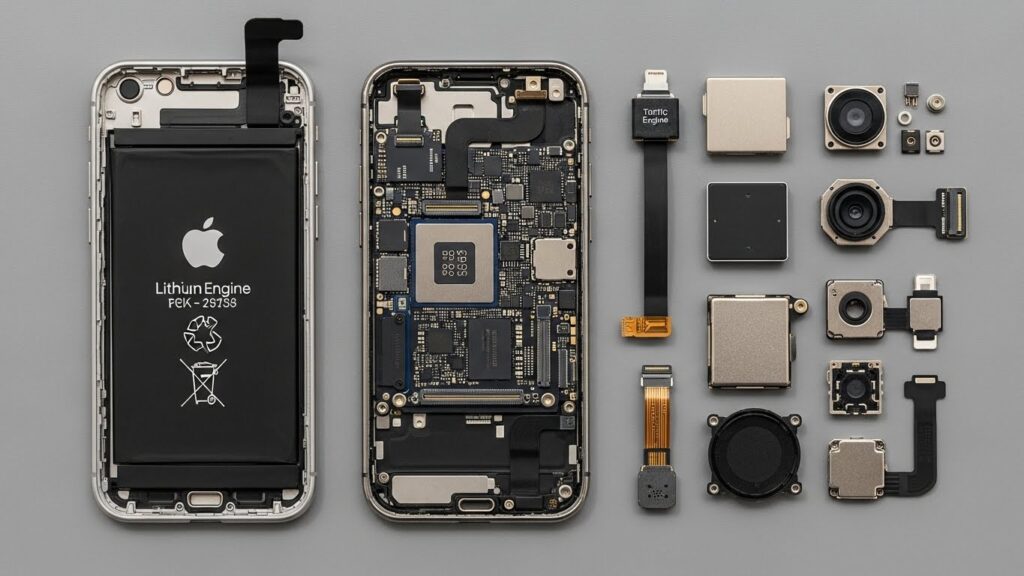
If your iPhone is crashing, stuck on the Apple logo, or failing updates, you don’t need to panic. iPhone system repair tools are designed to fix these issues quickly and safely even without losing your data. In this guide, we’ll explore the best iPhone repair apps of 2025, explain how to choose the right one, and provide a step-by-step guide to restoring your iPhone to full health.
Why iPhone Repair Tools Are Necessary
iPhones are generally reliable, but system issues can occur due to:
- iOS crashes during updates
- Devices stuck on the Apple logo or boot loops
- Failed iTunes restore or update errors
- Apps freezing or not responding
- Accidental data corruption
A reliable iPhone recovery tool can restore your device safely, save your data, and get your iPhone running smoothly again. By using professional iOS repair software, you avoid complicated manual fixes or unnecessary trips to a service center.
Top iPhone System Repair Tools (2025 Edition)
Here’s a list of the most trusted tools for iOS repair in 2025:
| Tool Name | Key Features | Supported Issues | Free vs Paid | Benefits |
| iMyFone Fixppo | Standard & Advanced repair modes, DFU mode repair, iOS crash recovery | Stuck on Apple logo, update errors, boot loops | Free trial / Paid | Safe repair without data loss, beginner-friendly |
| Tenorshare ReiBoot | Recovery mode enter/exit, one-click iOS repair, iTunes error fixes | iOS update failures, system crashes, DFU mode issues | Free / Paid | Quick fix, intuitive interface, no technical skills required |
| Dr.Fone – Repair (iOS) | Standard & Advanced repair, supports most iOS versions | Stuck devices, boot loops, iTunes errors | Paid | Comprehensive, works with older iPhones, safe for data |
| Joyoshare UltFix | 1-click repair, two repair modes, iOS crash recovery | Apple logo stuck, system restore errors, update failures | Free trial / Paid | Fast, simple, beginner-friendly |
| FonePaw iOS System Recovery | Repair iOS without data loss, DFU/Recovery mode support | iPhone stuck on Apple logo, update errors | Free / Paid | Safe, supports all recent iOS versions, easy step-by-step guide |
✅ Tip: Most tools offer both free and paid versions. Free versions often allow diagnosis or minor fixes, while full repair features usually require a paid upgrade.
How to Choose the Right iPhone System Repair Tool
When selecting the best iPhone repair app, consider the following:
- Compatibility: Ensure it supports your iPhone model and iOS version.
- Data Safety: Look for tools that repair iOS without losing data.
- Ease of Use: Beginner-friendly interface with clear instructions.
- Repair Capabilities: Ability to fix Apple logo issues, boot loops, iTunes errors, and iOS crashes.
- Pricing: Free trials are great for testing; paid versions unlock full repair features.
Step-by-Step Guide: Using iPhone System Repair Tools
Here’s a general workflow you can follow with most iOS repair software:
- Enter Recovery/DFU Mode
- Connect your iPhone to your computer.
- Follow tool instructions to enter Recovery or DFU mode.
- Scan and Detect iOS Issues
- The tool automatically detects system problems.
- Review detected issues before proceeding.
- Repair iOS Without Losing Data
- Select the Standard Repair option to fix most issues safely.
- Advanced repair can be used if standard repair fails (may erase data).
- Verify and Restart Device
- After repair, your iPhone will restart.
- Check if all functions are working normally.
Benefits of Using iPhone System Repair Tools
- Quick fixes for Apple logo stuck, boot loops, and update errors.
- Safe recovery without risking personal data.
- Restore device performance for older or lagging iPhones.
- Resolve iTunes and update errors without technical expertise.
Troubleshooting Common Issues
| Problem | Solution |
| Tool not opening | Reinstall the software, ensure system requirements are met. |
| Errors during repair | Check USB connection, try DFU mode, update iOS repair tool. |
| Compatibility problems | Ensure the tool supports your iPhone model & iOS version. |
| Accidental data loss | Use Standard Repair mode first, backup iPhone beforehand. |
FAQs
Are iPhone system repair tools safe?
Yes, trusted tools like iMyFone Fixppo and Tenorshare ReiBoot are safe and designed to prevent data loss when using standard repair modes.
Can I fix my iPhone without losing data?
Most professional iOS repair software offers a Standard Repair mode that fixes issues without erasing your data.
Which is better, free or paid versions?
Free versions are good for diagnostics or minor fixes. Paid versions provide full repair features and support all iOS problems.
Do I need technical skills?
No, these tools are designed for beginners with clear, step-by-step instructions.
Can these tools fix iTunes errors or update failures?
Yes, most tools can resolve common iTunes errors and failed update issues safely.
Key Tips for Maintaining iPhone Health:
- Regularly update iOS to the latest version.
- Avoid interrupting updates or restores.
- Keep backups in iCloud or on your computer.
- Use repair tools promptly when issues arise to prevent data loss.
With the right iPhone system repair tool, you can restore your device quickly, safely, and confidently without any technical hassle.