
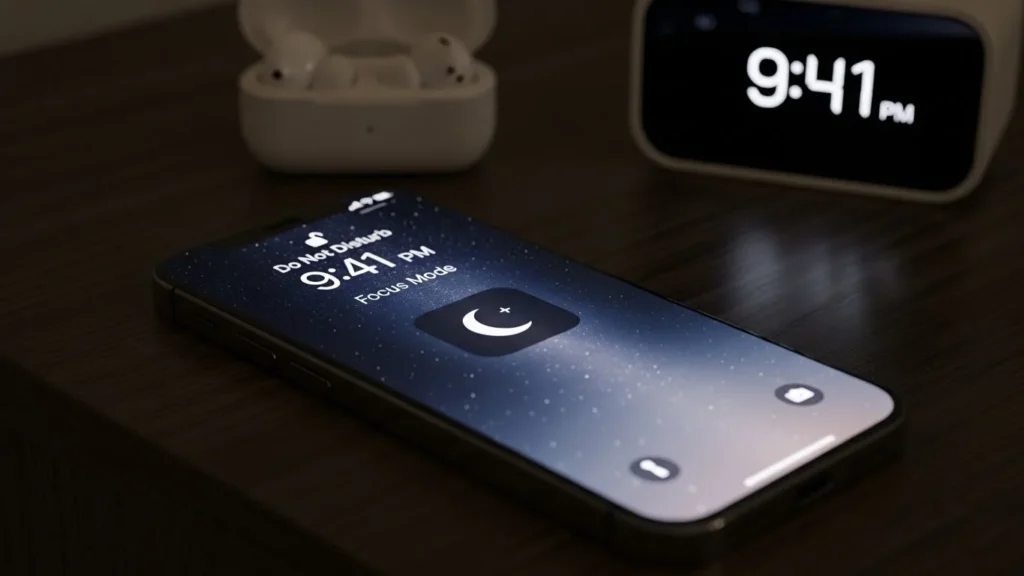
Short Answer:
Yes, alarms still go off in Do Not Disturb (DND) mode on both iPhone and Android devices. DND silences calls, messages, and notifications, but alarms are designed to override DND to ensure you wake up on time. However, behavior may vary depending on device settings, silent mode, or third-party apps.
What is Do Not Disturb (DND) Mode?
Do Not Disturb (DND) is a feature that silences incoming calls, notifications, and alerts while your phone is locked or in use. It helps you focus, sleep, or avoid interruptions.
Why Understanding Alarm Behavior in DND Matters
If your alarm fails while DND is active, you might oversleep, miss meetings, or fail time-sensitive tasks. Knowing how alarms interact with DND ensures you wake up reliably.
Devices and Operating Systems Covered
- iPhone: iOS 12+ (including Focus mode on iOS 15+)
- Android: Stock Android, Samsung One UI, Pixel, and other manufacturer variations
How Alarms Work in Do Not Disturb Mode
Alarm Behavior on iPhone
- iPhone alarms always override DND by default.
- Alarms ring even if the phone is in silent mode or locked.
- They can also wake your iPhone from sleep or screen-off mode.
Alarm Behavior on Android
- On most Android devices, alarms are set as priority notifications, meaning they bypass DND.
- Some devices allow customizing which notifications can override DND, so check your alarm exception settings.
Silent Mode vs DND
- Silent Mode: Mutes all sounds including alarms on some Android devices; iPhone alarms still ring.
- DND Mode: Mutes calls and notifications, but alarms usually ring unless overridden in settings.
Alarms in Airplane Mode
- Alarms still function in airplane mode on both iPhone and Android.
- Ensure your device is powered on, as alarms do not ring if the phone is completely off.
Device-Specific Alarm Settings
iPhone: Allow Alarms to Override DND
- Open Settings → Focus → Do Not Disturb.
- Tap Apps or People to allow exceptions.
- Ensure alarms are set as allowed; default Clock app alarms always override DND.
Pro Tip: Even with Focus schedules, iPhone alarms will still ring if you use the stock Clock app.
Android: Exceptions for Alarms in DND
- Open Settings → Sound & vibration → Do Not Disturb.
- Tap Exceptions → Alarms → ensure it’s enabled.
- Verify your alarm volume under Sound → Alarm.
Variations Across Samsung, Pixel, and Other Devices
- Samsung: Settings → Notifications → Do Not Disturb → Allow exceptions → Alarms
- Pixel/Stock Android: Settings → Sound → Do Not Disturb → Exceptions → Alarms
Focus Mode on iOS 15+: How It Affects Alarms
- Focus mode can silence notifications, but alarms always ring.
- Third-party alarm apps may need special permission to bypass Focus.
Troubleshooting Alarms Not Going Off in DND
Common Causes on iPhone
- Alarm set in a third-party app not authorized to bypass DND.
- iPhone software bug; check for updates.
- Silent or Low Power Mode does not affect alarm, but check volume.
Common Causes on Android
- Alarm exception not enabled in DND settings.
- Alarm volume set to zero.
- Third-party apps conflicting with DND.
Quick Fixes for Missed Alarms
- Restart your device.
- Check alarm volume and sound selection.
- Ensure alarm app is allowed to bypass DND.
- Test alarm in DND mode before relying on it.
Advanced Tips & Best Practices
Scheduling Alarms with DND Enabled
- On iPhone: Use the Clock app; alarms will ring even if Focus or DND is active.
- On Android: Schedule DND exceptions for alarms in Settings → DND → Exceptions.
Adjusting Volume and Vibration Settings
- Ensure alarm volume is high enough.
- Enable vibration for backup if you might sleep through sound.
Using Multiple Alarms for Reliability
- Set backup alarms a few minutes apart.
- Use different apps if one fails.
Third-Party Alarm Apps and DND Compatibility
- Check app permissions to bypass DND.
- Use reputable apps that advertise DND compatibility.
Also Read:
FAQs
Will my alarm go off if DND is on?
Yes, alarms are designed to override DND, ensuring you wake up on time.
Can alarms bypass DND on iPhone or Android?
iPhone: Stock Clock app alarms always bypass DND.
Android: Most alarms bypass DND if configured as exceptions.
Does silent mode stop alarms?
iPhone: No, alarms ring even in silent mode.
Android: Depends on device; some require exception settings.
Will alarms ring if my phone is off or in airplane mode?
Airplane mode: Yes, alarms still ring.
Phone off: No, alarms will not work if the device is powered down.
How to fix alarms not working during DND?
Check alarm volume.
Verify DND exceptions include alarms.
Restart your device.
Update software and app permissions.
Best Tips to Ensure Alarms Always Go Off
- Use stock Clock apps whenever possible.
- Set alarm volume and vibration.
- Enable exceptions in DND settings.
- Test alarms occasionally to avoid surprises.
Recommendations for iPhone and Android Users
- iPhone: Use Clock app; Focus mode won’t block alarms.
- Android: Enable DND exceptions for alarms; verify device-specific behavior.