
If you own an Apple Watch, especially a GPS + Cellular model, you might wonder: what is my Apple Watch phone number? Unlike your iPhone, an Apple Watch with cellular connectivity can have its own number. Knowing it is helpful for troubleshooting, activating services, or managing calls and messages.
In this guide, we’ll show you exactly how to find your Apple Watch phone number, troubleshoot common issues, and manage your watch’s cellular settings.
What Is the Apple Watch Phone Number?
Your Apple Watch phone number is the number assigned to your watch for cellular use. It’s especially relevant for GPS + Cellular models.
Cellular vs GPS-only Apple Watch
- GPS-only Apple Watch: Can use your iPhone’s connection via Bluetooth or Wi-Fi. It does not have a separate phone number.
- GPS + Cellular Apple Watch: Can make calls, send messages, and use data without your iPhone. It has its own number, linked to your carrier.
Difference Between Apple Watch Number and iPhone Number
Even if your watch and iPhone share the same line, the watch may show a separate number for billing or eSIM purposes.
Why Apple Watch Sometimes Has a Separate Number
- Carriers assign a unique Apple Watch line number for tracking usage.
- Some features, like Family Setup, require a separate number from the main iPhone line.
Why Your Apple Watch Number Might Not Appear
Sometimes, your watch’s number might be missing or hard to find. Common reasons include:
- GPS-only models don’t have a number.
- Carrier activation or eSIM issues can prevent the number from showing.
- Family Setup Apple Watch numbers are managed differently and may not display on the watch itself.
- iOS or WatchOS version limitations older versions might not display the number correctly.
How to Find Your Apple Watch Phone Number
Here are the most reliable ways to locate your Apple Watch cellular number:
1. Using the Watch App on iPhone
- Open the Watch app on your iPhone.
- Tap My Watch → Cellular.
- Look for Apple Watch Number.
2. Checking iPhone Settings
- Open Settings on your iPhone.
- Tap Cellular → Apple Watch Cellular.
- The number should appear under Watch Number.
3. Viewing the Number in Your Carrier App
- Many carriers show your Apple Watch eSIM number in their mobile apps.
- This is useful if you don’t see the number in iPhone settings.
4. Checking Your Carrier Account or Bill
- Login to your carrier account online.
- Look for lines associated with your Apple Watch.
- Some carriers list it as watch number or line number.
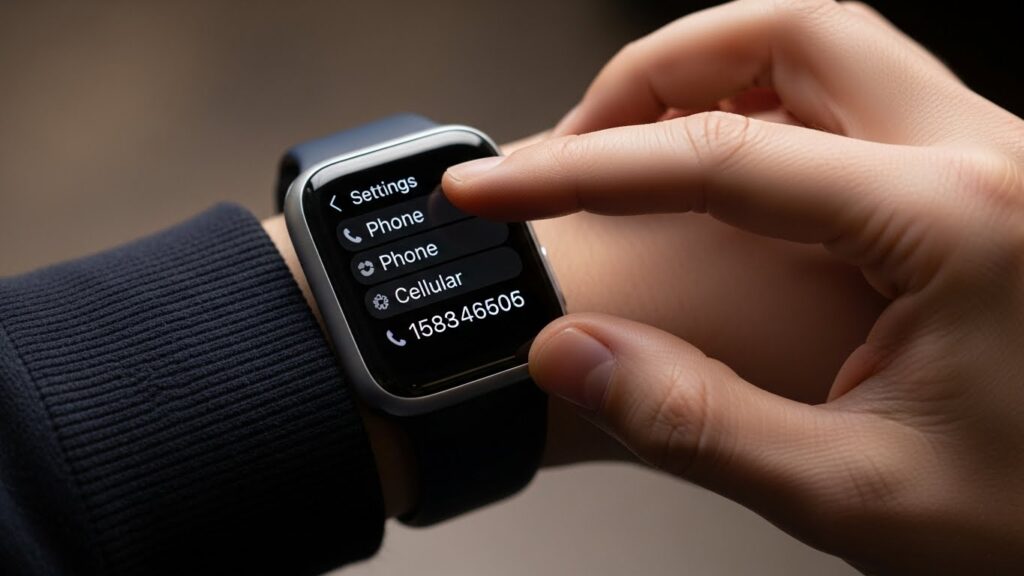
5. Using the Apple Watch Itself (If Supported)
- Open Settings on your Apple Watch.
- Tap Cellular → Info.
- You may see the Apple Watch cellular number here.
Forum Anecdote: One user noted that their Apple Watch number only appeared in the Watch app after a carrier restart — something to keep in mind if it doesn’t show immediately.
Also Read: Stop Sharing Location With One Person Without Them Knowing
Troubleshooting Apple Watch Phone Number Issues
If your watch number isn’t showing:
- Number not showing in Settings: Try toggling cellular off and on in the Watch app.
- eSIM activation problems: Contact your carrier to verify activation.
- Restart Devices: Restart both iPhone and Apple Watch.
- Contact Support: Apple Support or your carrier can verify the watch line.
Tips for Managing Your Apple Watch Number
- Keep carrier information updated for accurate billing and functionality.
- Understand the difference between GPS + Cellular and GPS models only cellular models have numbers.
- If using Family Setup, track the watch’s number separately.
Final Tips
- Keep iOS and WatchOS updated to ensure numbers display correctly.
- Use carrier apps for quick reference to Apple Watch numbers.
- Always verify the number before setting up new devices or transferring lines.
FAQs
How do I find my Apple Watch number without an iPhone?
Check your carrier account or use the Watch itself under Settings → Cellular → Info.
Can Apple Watch use a different number than my iPhone?
Yes, especially with Family Setup or separate eSIMs.
Why does my Apple Watch show “No Number”?
Your watch may be GPS-only, or cellular may not be activated correctly.
How do I check Apple Watch number for Family Setup?
Use the managing iPhone’s Watch app under Cellular → Apple Watch.
How to use Apple Watch number for calls and messages?
Ensure cellular is active. Calls and messages can go through either the watch number or your iPhone line, depending on settings.