
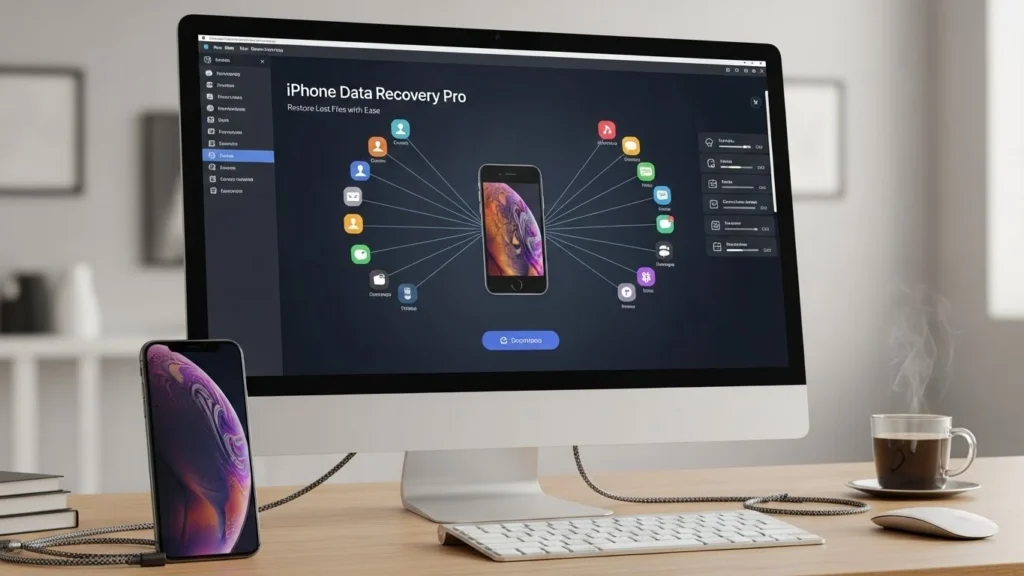
Losing important iPhone data can be stressful, whether it’s cherished photos, important messages, or critical contacts. The good news? Safe and reliable iPhone data recovery software can help you restore lost files quickly and efficiently. In this guide, we’ll explore the best iPhone data recovery software in 2025, show you step-by-step how to recover lost data, and provide tips to prevent future data loss.
Why iPhone Data Recovery Matters
iPhones store essential personal and professional data. Losing this data due to accidental deletion, software issues, or hardware failure can be frustrating. Here’s why iPhone data recovery is important:
- Retrieve lost photos, messages, contacts, and documents
- Restore essential work files or personal memories
- Avoid permanent loss without professional help
- Save time and effort compared to manual recovery methods
Common Causes of iPhone Data Loss
- Accidental deletion of photos, messages, or contacts
- iOS update failures or system crashes
- Jailbreak or software corruption
- Water damage or physical device failure
- Lost or stolen iPhone without backup
How Data Recovery Software Can Help
iPhone data recovery software allows you to:
- Scan your iPhone or iTunes/iCloud backups for lost files
- Preview and select which files to restore
- Recover data safely without overwriting existing content
- Restore files even without prior backups
Safety and Trust Considerations
When using iPhone recovery tools, safety is crucial. Here’s what to know:
Are iPhone Recovery Tools Safe?
Yes, reputable tools are safe if they:
- Do not modify or overwrite existing data
- Use read-only scanning for recovery
- Offer verified downloads from official websites
How to Avoid Further Data Loss
- Stop using your iPhone immediately after data loss
- Avoid installing apps or saving new files before recovery
- Always use trusted recovery software
Tips for Secure Recovery
- Backup recovered files immediately
- Prefer software with step-by-step guides
- Keep your recovery software updated
Top iPhone Data Recovery Software in 2025
Here’s a curated list of the best iPhone data recovery tools for beginners and advanced users:
| Software | Best Use Case | Pros | Cons |
| Dr.Fone – Data Recovery (iOS) | Recover deleted photos, messages, and contacts | User-friendly, fast scan, supports iTunes/iCloud | Paid version required for full recovery |
| iMyFone D-Back | Recover lost data without backup | Easy interface, multiple recovery modes, preview files | Slow scanning for large datasets |
| Tenorshare UltData | iPhone message recovery & photo recovery | High success rate, iOS version compatibility | Slightly complex for beginners |
| EaseUS MobiSaver | Restore lost iPhone files | Free version available, safe recovery | Limited free recovery features |
| PhoneRescue for iOS | Recover all types of lost data | Supports iTunes/iCloud, selective restore | Paid software; interface may be overwhelming |
Feature Highlights
- Recover Deleted iPhone Data: Photos, messages, videos, contacts
- iPhone Backup Recovery: Restore from iCloud or iTunes backup
- iPhone Data Recovery for Beginners: Step-by-step guided interface
- Safe iPhone Recovery Software: No data overwritten during scan
Step-by-Step Guide to Recover iPhone Data
Follow these steps to safely recover lost iPhone files:
1. Connect iPhone to PC/Mac
- Use original USB cable
- Ensure your device is recognized
2. Select Recovery Mode
- Recover from iOS Device for lost data directly
- Recover from iTunes Backup if device is damaged
- Recover from iCloud Backup for cloud-stored files
3. Scan and Preview Lost Data
- Start scanning process
- Preview files to choose what to recover
4. Recover Selected Files
- Select desired files
- Click Recover and save to computer
5. Verify Recovered Data
- Check photos, messages, contacts, and other files
- Backup immediately to avoid future loss
Troubleshooting Common Issues
| Issue | Solution |
| iPhone not detected | Try another USB port, update iTunes, unlock device |
| Recovery process fails | Restart software, check storage, update software |
| Compatibility problems | Ensure software supports your iOS version |
| Partially recovered data | Try another recovery mode (iOS/iTunes/iCloud) |
| Avoid data overwriting | Stop using device before recovery |
Tips for Effective Recovery
- Backup regularly to iCloud or iTunes
- Avoid using your iPhone after losing data
- Keep recovery software updated
- Follow recovery steps carefully for best results
FAQs
Is iPhone data recovery software safe?
Yes, trusted software uses read-only scanning to avoid overwriting data.
Can I recover iPhone data without a backup?
Yes, some software like iMyFone D-Back and Dr.Fone can recover data directly from the device.
Free vs paid software which is better?
Free versions may limit recovery size or features. Paid versions are faster and more reliable.
How long does recovery take?
Depends on data size and recovery mode; large datasets may take longer.
Recommended Usage:
- Beginners: Dr.Fone or iMyFone D-Back – easy interface, step-by-step guidance
- Advanced Users: Tenorshare UltData or PhoneRescue – more control, selective recovery
Final Tips to Protect iPhone Data:
- Backup regularly to iCloud or iTunes
- Avoid using the iPhone immediately after data loss
- Use trusted, updated recovery software
With the right tools and steps, you can recover iPhone data safely and efficiently, keeping your precious files secure.